
About this plugin

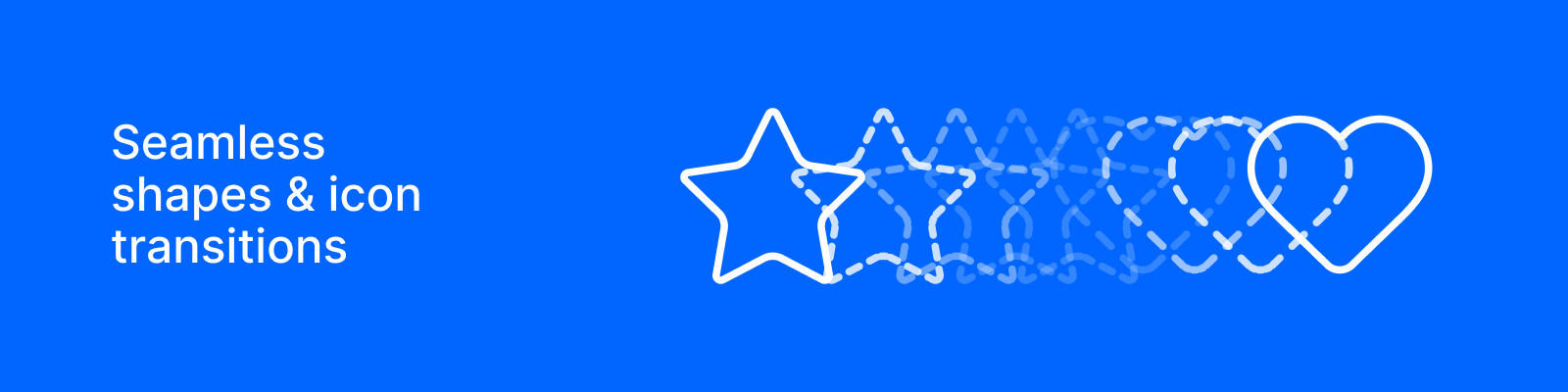
Morph turns a handful of icons into one smooth animation. Pick your icons, choose how it should feel, and add it to your canvas.

Pick your icons

Search 3,484 icons from Lucide, Iconoir and Heroicons, and mix them freely in the same set. Line up as many as six and it moves through them in order, looping back to the first if you want it to. Prefer your own artwork? Select shapes on the canvas instead. Everything else works the same either way.

Make it feel right

Three springs: Smooth, Snappy and Bouncy. There's no duration to fiddle with, because the spring works out its own timing the way real movement does. Pick a stroke weight and you're done.

The preview plays as you go, so you're never guessing what you'll get.

Keep it light

The Optimize slider decides how much detail to keep. Slide it up and Morph throws away every keyframe your eye wouldn't miss, and shows you the count before you commit. Most sets lose more than half their keyframes without looking any different.

Then it's yours

Add to canvas and you get a normal layer with real keyframes, ready to retime, recolour or take apart. Changed your mind? Remove takes it away cleanly and never touches anything you drew yourself.

No two icons are too different to try. When a pair really can't morph, Morph tells you and offers a fade instead.

New in version 0.0.1

Morpher 0.0.1

Morph used to only work with shapes you'd drawn yourself, and only simple closed ones at that. Now it comes with 3,484 icons built in, and it handles just about anything you throw at it.

Icons, built in

Lucide, Iconoir and Heroicons, all searchable, all mixable in the same set. Pick up to six and Morph moves through them in order.

Your own canvas shapes still work exactly as before, and they're no longer fussy: outlines, strokes, shapes made of several pieces, all fine.

A simpler way to set the feel

Three springs, Smooth, Snappy, Bouncy and that's the whole timing control. No durations to balance, no easing curves to pick. The spring sorts out its own timing the way real movement does.

Stroke weight is a control now too, so icons come out at the weight you want.

Optimize

One slider that decides how much detail to keep. Slide it up and Morph drops every keyframe your eye wouldn't miss. Most sets lose more than half of them and look identical. The count updates live, so you always know what you're about to add.