
Similar Creations
View all →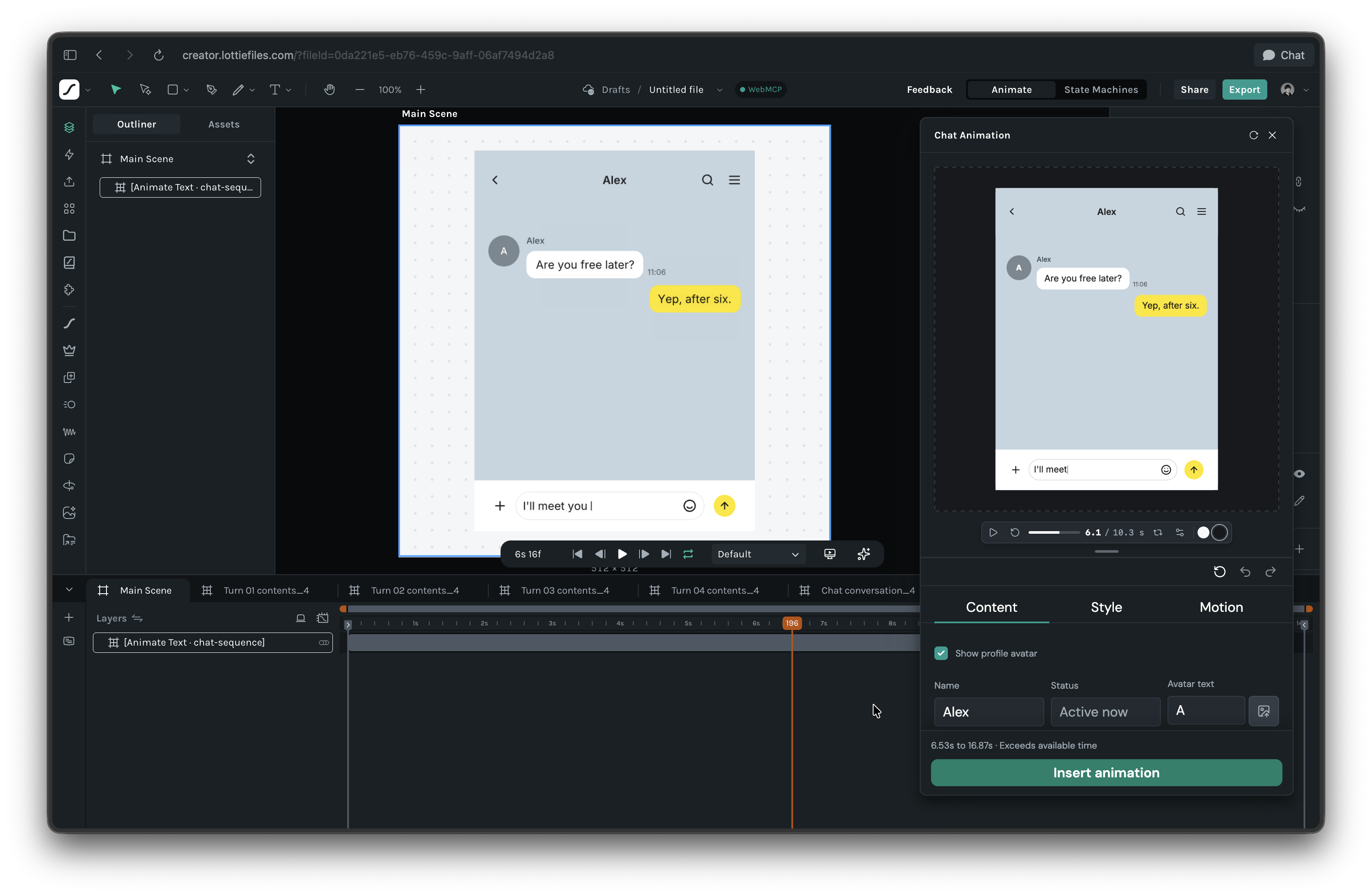
Chat Animation
hyo
designv1.0.0Turn conversations into motion. Create animated chats with familiar messenger styles, mobile and desktop layouts, typing indicators, read timing, and camera zooms, right inside Lottie Creator.

Curve OPs
Amir_LF
designv1.0.0Curve Ops brings pathfinder tools to LottieFiles Creator. Select two or more shapes and choose Union, Subtract, Intersect or Exclude to combine them into a single layer, or use Blend to fuse separate shapes with a smooth, organic bridge. Blend arcs meet each outline tangentially, so every connection point has perfectly aligned handles and no visible creases. A live preview shows the exact result before you apply it.
Isomatic
Ken Mahakim
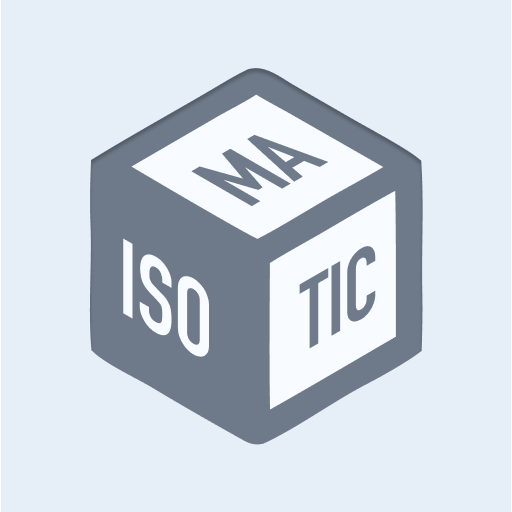
designv1.0.1Turn flat artwork into isometric faces instantly; top, left, right, or back to front.

Luminos
MrSmudge
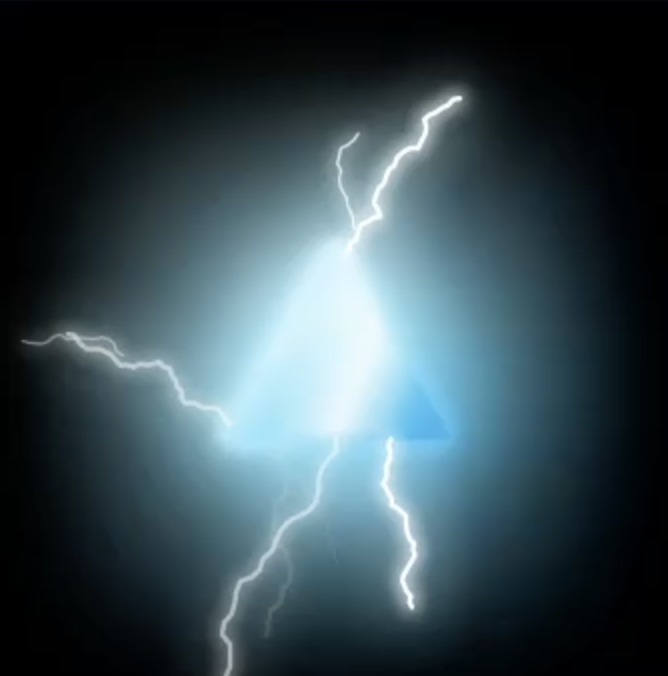
designv1.0.0Luminos adds real light to Lottie Creator. Give any shape, text or nested scene a bright glow or a neon tube, then layer on electric arcs, lightning strikes, light sweeps and iridescent gradients. Presets for pulse, flicker and breathe animations, a live preview in the panel and on the canvas, and glows that follow your layer's keyframes. Built from Creator's own blur and drop shadow effects, so everything stays editable and exports as dotlottie.